
Noise suppression
Reduce fans, keyboards, HVAC, traffic, and room clutter while keeping speech intelligible.
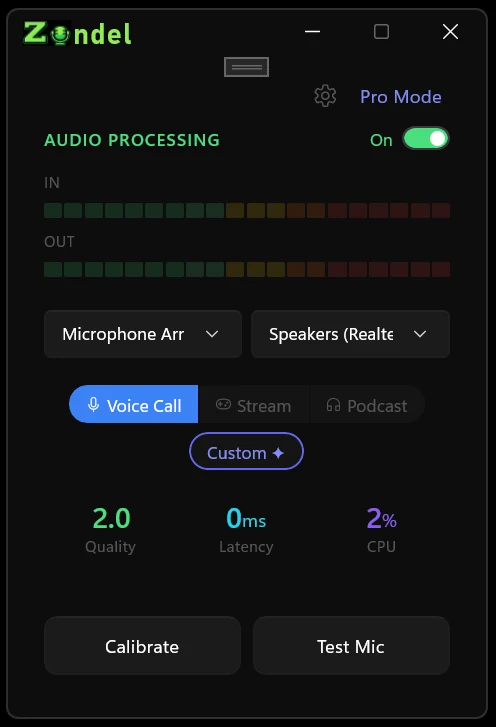
Real-time voice cleanup for Windows. Remove background noise, echo, and room reverb before your microphone reaches Zoom, Teams, Discord, OBS, your DAW, or any other app.
Runs locally on your CPU. Your audio is processed on your PC and routed through a virtual microphone you choose once.
Voice cleanup chain
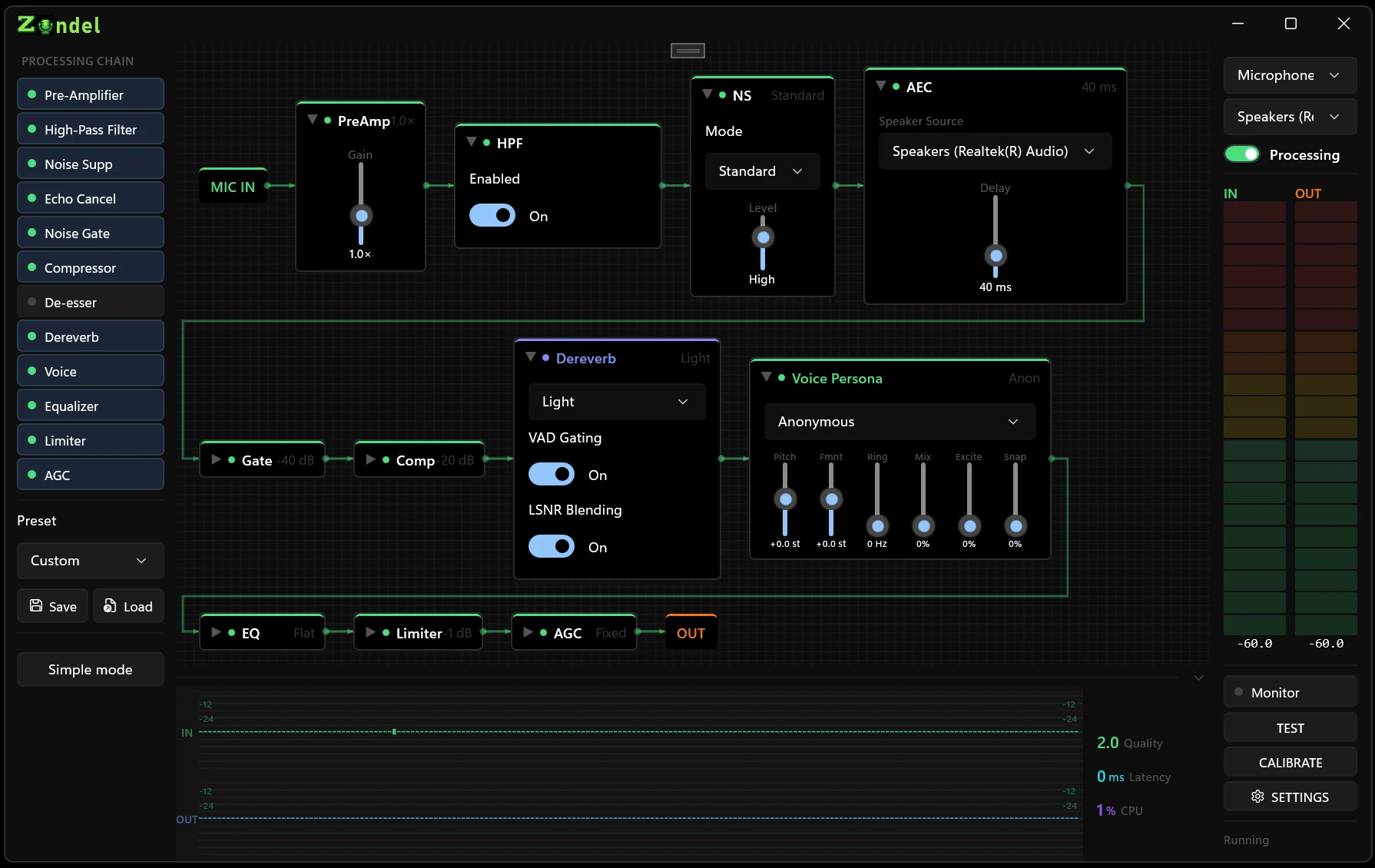
Zondel combines classic WebRTC processing, RNNoise, DeepFilterNet dereverb, and practical microphone shaping tools into one Windows signal chain.
Reduce fans, keyboards, HVAC, traffic, and room clutter while keeping speech intelligible.
WebRTC AEC3 helps keep speaker audio out of your microphone path during calls.
DeepFilterNet3 reduces hollow room reflections so a kitchen or bedroom sounds more controlled.
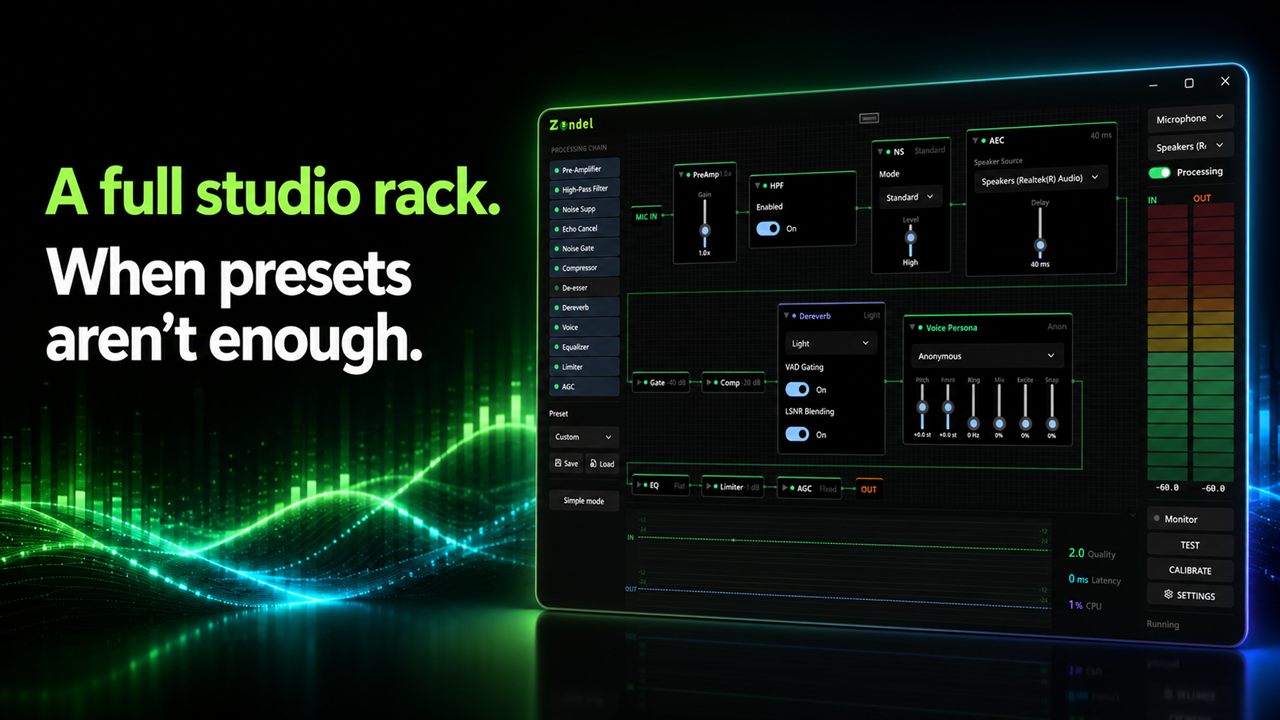
High-pass filter, gate, compressor, de-esser, EQ, limiter, AGC, and voice FX are ready when presets need help.
Routing
Zondel does not lock cleanup inside one conferencing app. Send the cleaned signal to a virtual cable, then select that cable as the microphone in the apps you already use.
Controls
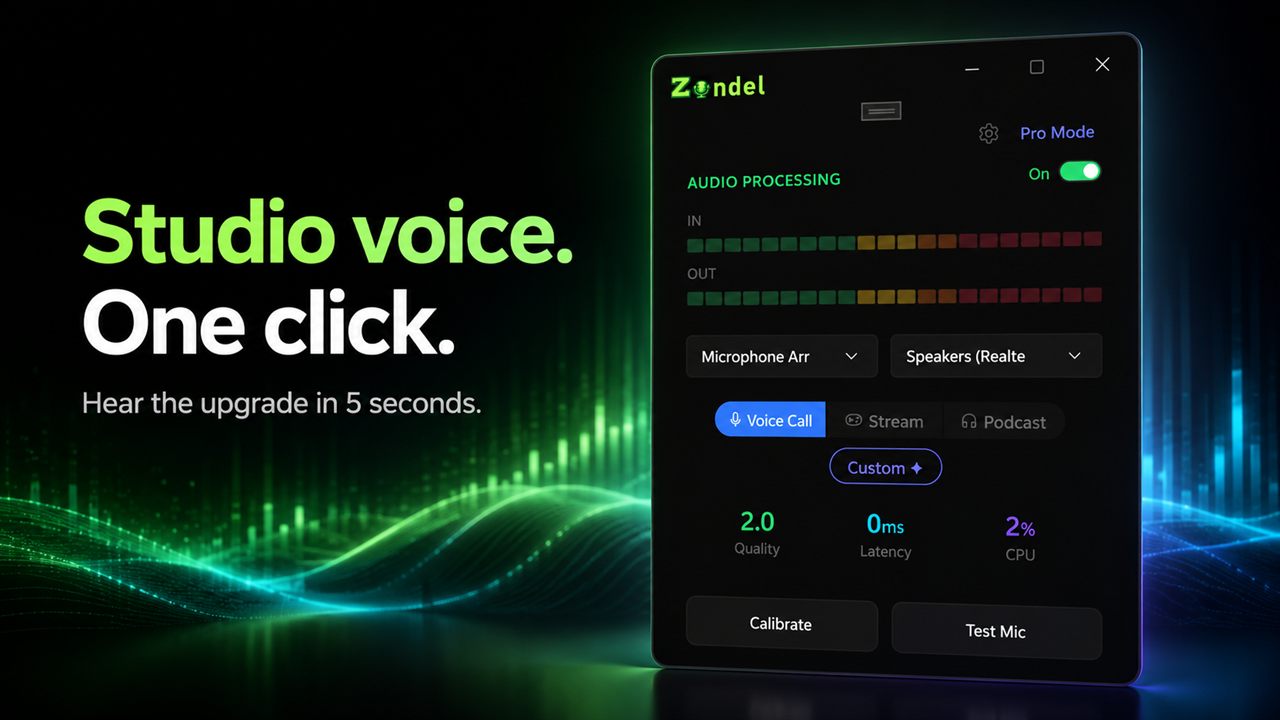
Pick a preset, calibrate, and test your mic in Simple mode. Switch to Pro mode only when you want stage-by-stage control over the entire audio chain.
Released for Windows