
User guide
Get Zondel sounding right.
Use this guide to pick the right devices, hear a before-and-after test, and send Zondel's cleaned microphone into Discord, Zoom, OBS, Teams, Slack, or any other voice app.
Choose your path
Start with the setup page if this is your first run. After that, the guide splits into the everyday controls, the deeper Pro tools, and quick fixes.
Start setup
Choose your mic, calibrate, test the result, and route cleaned audio through VB-Cable.
Daily useSimple mode
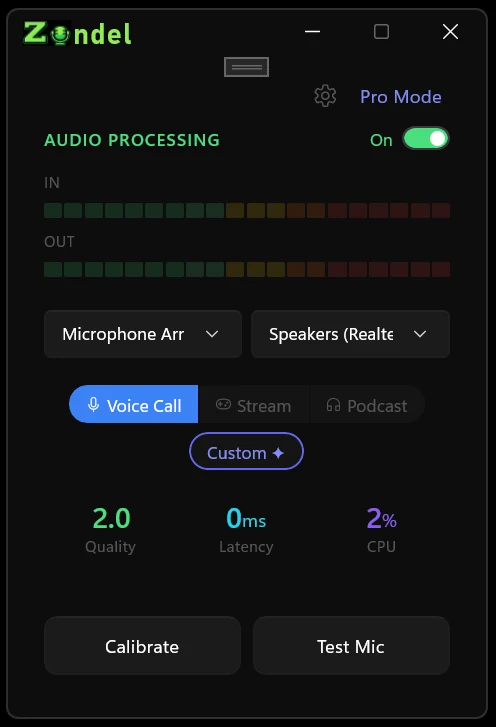
Use the main switch, meters, device pickers, preset pills, and Settings dialog.
Fine tuningPro mode
Adjust individual processing stages when a preset needs one specific fix.
Quick helpFix issues
Solve raw mic routing, echo, latency, low quality, startup, and missing-model problems.
The basic flow
Zondel listens to your real microphone, cleans the signal locally, and sends the result to the output device you choose.